For property developers

Let buyers walk the apartment before it's built

A real-time sales app for your pre-launch and your sales gallery. Buyers find their unit, open the floor plan, switch the finishes and see the evening view. The launch stills and films come from the same scene.

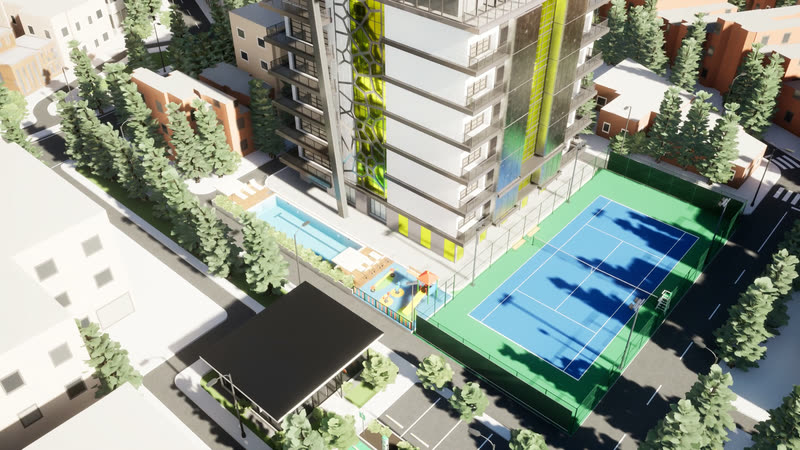
Sample projectAerial move over the sample tower's amenities: the lap pool, the play area, the tennis court and the gym pavilion.
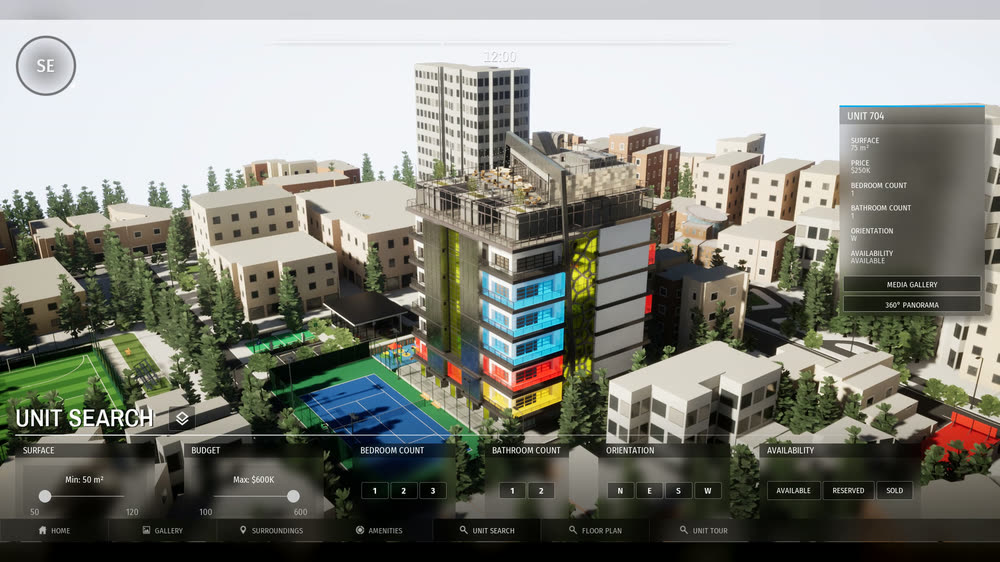
Sample projectThe sales menu: the unit search opens, a unit on the tower is selected and its details appear, then the floor plan opens with room labels.

Find the unit, open the plan

Buyers search the units on the tower, pick one, read its details and open its floor plan, all from the overview.

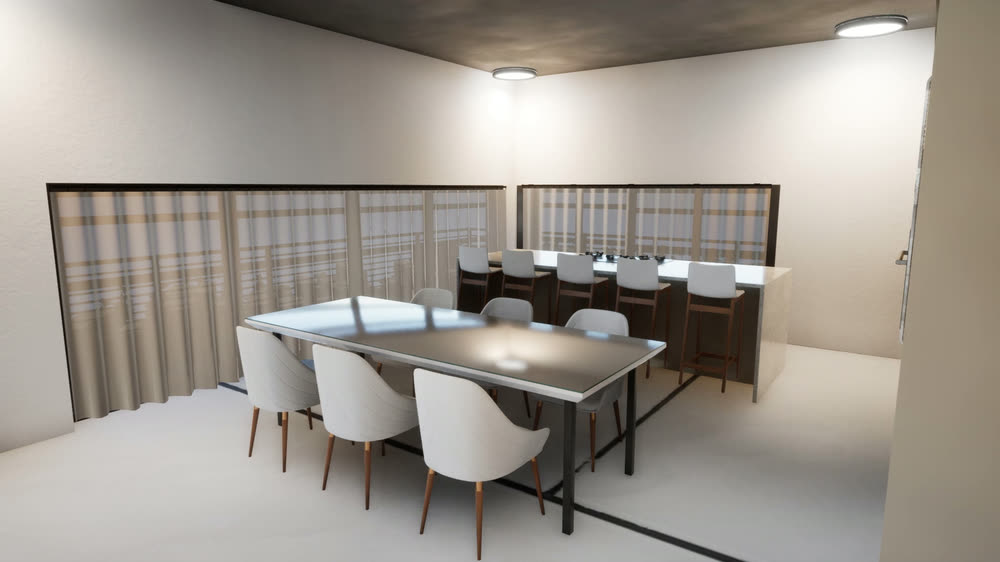
Kitchen and dining room before the switch: the Classic white kitchen behind the Steel & white dining table and white chairs.
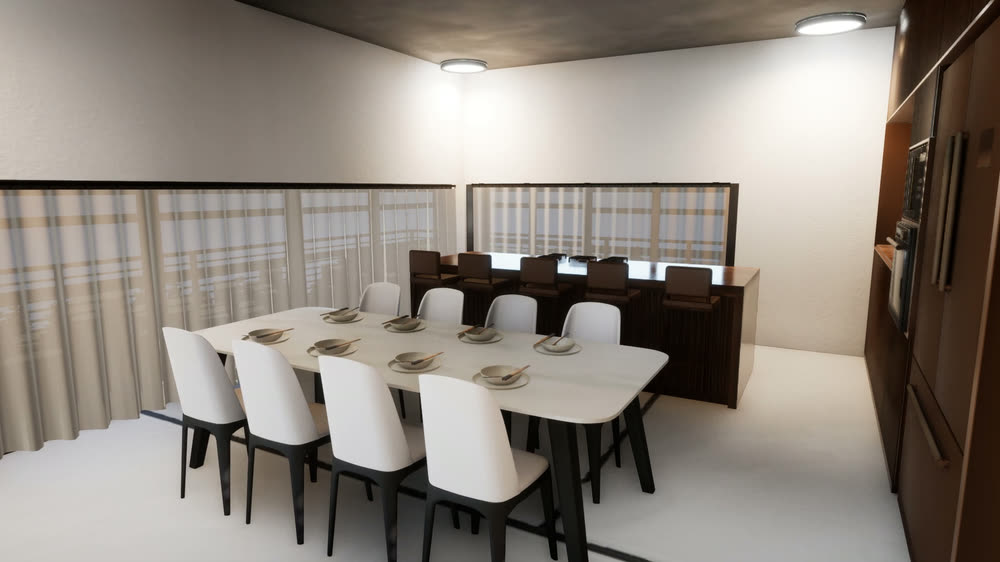
Sample project ยท edit modeThe kitchen switches from Classic white to Dark walnut, then the dining table and chairs switch from Steel & white to Marble & ivory.

Kitchen in Classic white, dining room in Steel & white

Kitchen in Dark walnut, dining room in Marble & ivory

Switch the kitchen from white to walnut

In edit mode, buyers swap whole style sets while standing in the room. The sample has two sets each for the kitchen, living room and dining room.

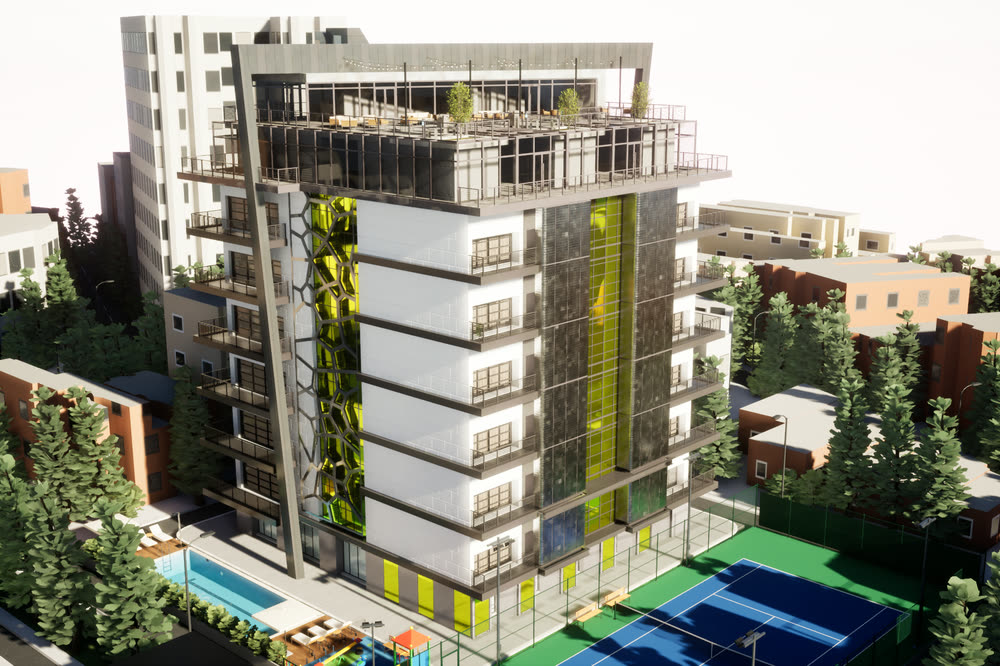
Daytime aerial view of the sample tower: a white residential block with green glass panels and a rooftop terrace, a lap pool and a blue tennis court at its base, among city buildings and trees.
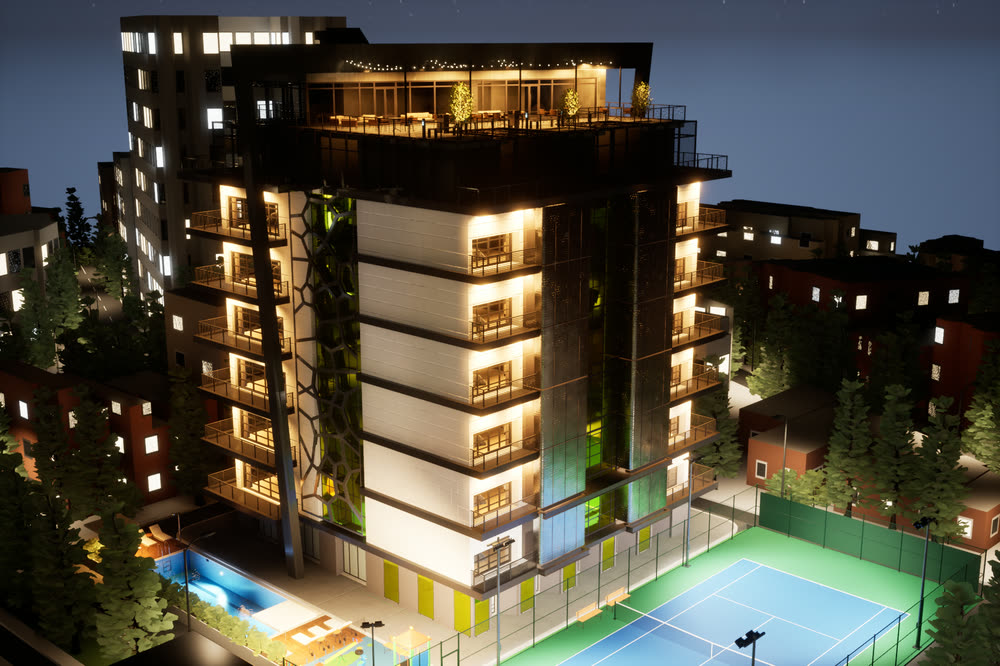
The same aerial view at night: apartment windows, the rooftop terrace and the pool are lit, and windows glow across the surrounding city.

Show the evening view

Time of day is live. Street lights, city windows and the lights inside the apartment come on as the sun sets.

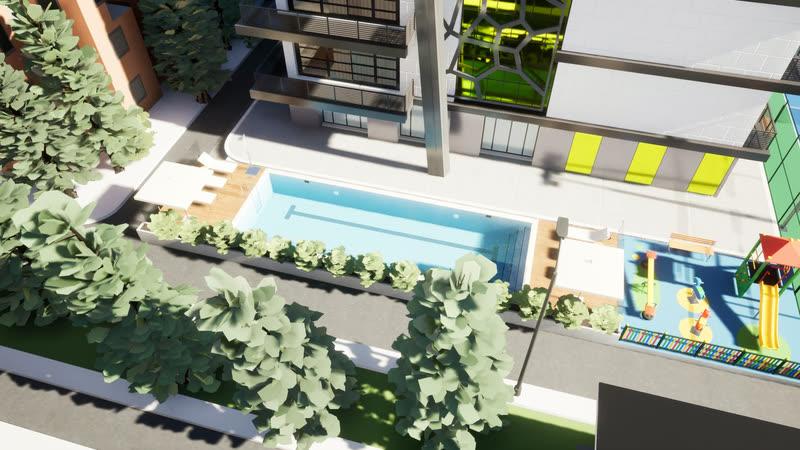
Sample projectAerial view of the lap pool and the kids' play area next to it.

Show the amenities where they are

Each amenity has its own camera view and info panel, so buyers see what's included and where it is on the site.

Everything on this page comes from our sample project, not a client's. We'd build the same features around your drawings.

See how it was built

Packages

Two packages fit most launches

Daytime aerial view of the sample tower: a white residential block with green glass panels and a rooftop terrace, a lap pool and a blue tennis court at its base, among city buildings and trees.Sample project
Whole project

Project experience app

A whole tower or community, for your sales gallery.


Good for

Developers launching a tower or community, from pre-launch to the sales gallery.

What you get

  • An overview of the whole project, plus walk mode
  • Unit search and floor plans
  • Amenities and neighbourhood points of interest, with info panels and galleries
  • A finish configurator
  • Day to night
  • A sales-gallery mode

Delivered as

A Windows desktop app. Browser streaming or a VR build on request.

Quoted per project

Ask about a project app
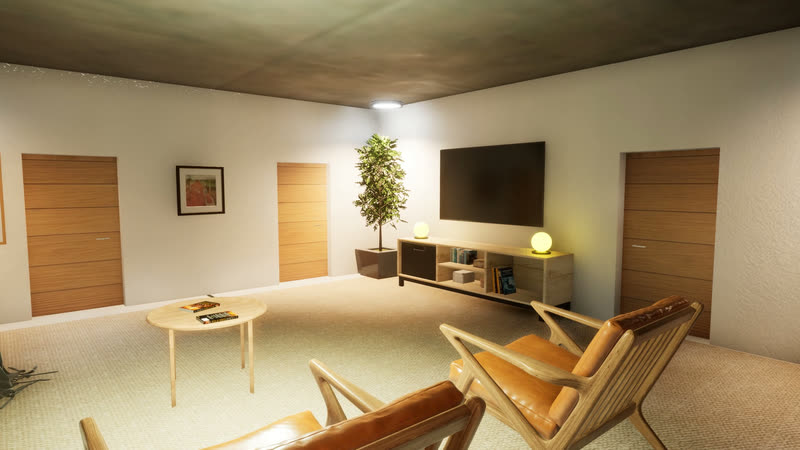
A second walk through the living room, past the armchairs and the TV wall.Sample project
One unit

Interactive unit walkthrough

One apartment or villa as a walkable real-time app.


Good for

A show-flat experience for one unit type, at the sales desk or in meetings.

What you get

  • Free walk through every room
  • A day and night switch
  • A basic finish configurator

Delivered as

A Windows desktop app, plus a walkthrough film and stills from the same scene

How it works

From drawings to a walkable app

Four steps, with a written scope before any work starts.

See the full process
  1. Step 1

    Send your drawings

    Plans, elevations, CAD or BIM, and the finishes you want buyers to see. We reply with a written scope and a quote.

  2. Step 2

    We build the scene

    Modelling, materials, lighting and the interactions listed in the scope.

  3. Step 3

    Walk it with us

    You review a first walkable version on a call, ask for changes, and we refine it.

  4. Step 4

    Delivery

    You get the desktop app, plus the stills and film from the same scene.

Next step

Planning a launch?

Book a 15-minute demo and see the sample working. Bring your project's basics and we'll tell you which package fits.